XenseAR Editor Installation Guide
Table of Contents
- XenseAR Editor Installation Guide
- Table of Contents
- Download Project XenseAR Editor
- Install Unity Editor
- 1. Install Unity Hub
- 2. Sign In or Create an Account
- 3. Open the
ProjectsSection - 4. Add the XenseAR Project
- 5. If the correct Unity Editor version is not installed, a version selection dialog will appear.
- 6. In the dialog, select the appropriate Unity Editor version.
- 7. Select the required modules:
- 8. After installation completes, you can open the project normally.
- FAQ
- Older Versions
Download Project XenseAR Editor
After downloading the project, extract it to an appropriate directory, for example:
<Unity_Editor>
XenseAR Editor runs inside the Unity Editor.
To use XenseAR Editor, you must install Unity Hub and the required Unity Editor version.
[v3.5.0] - 2026-07-09
-
Assets:
XenseAR_Editor.zip -
Changelog:
- Updated authentication flow.
See Older Versions
Install Unity Editor
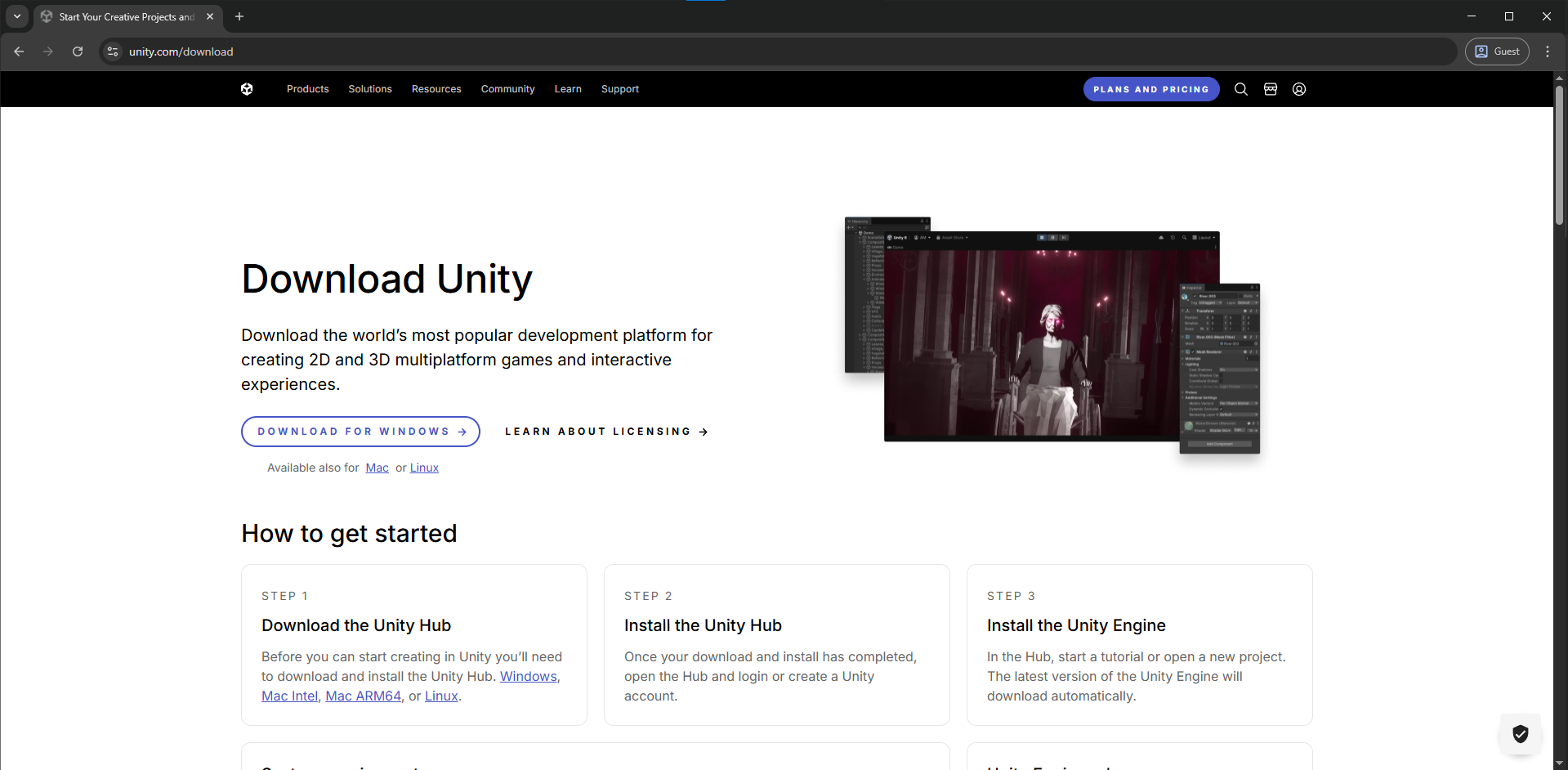
1. Install Unity Hub
Download and install Unity Hub:
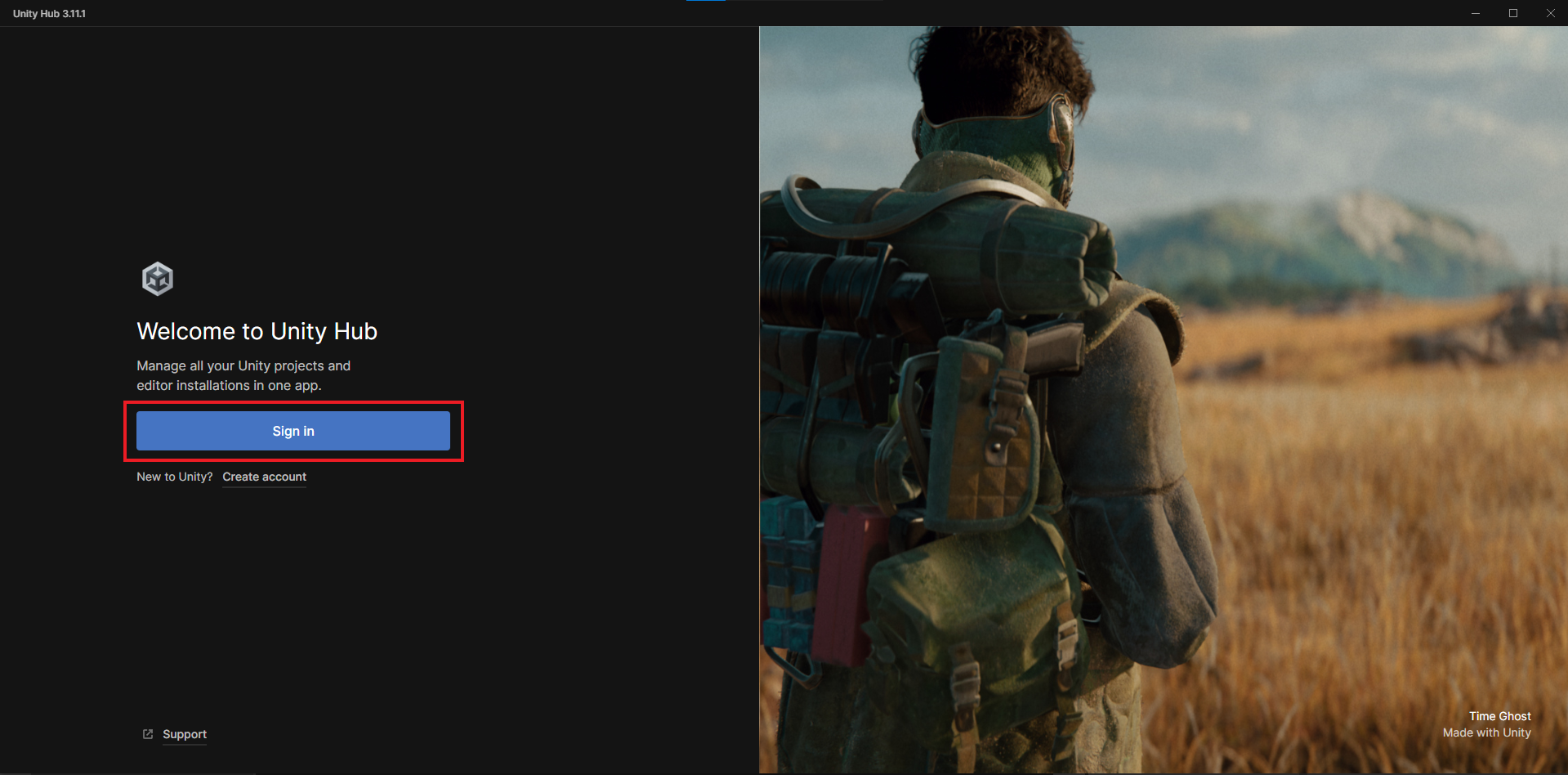
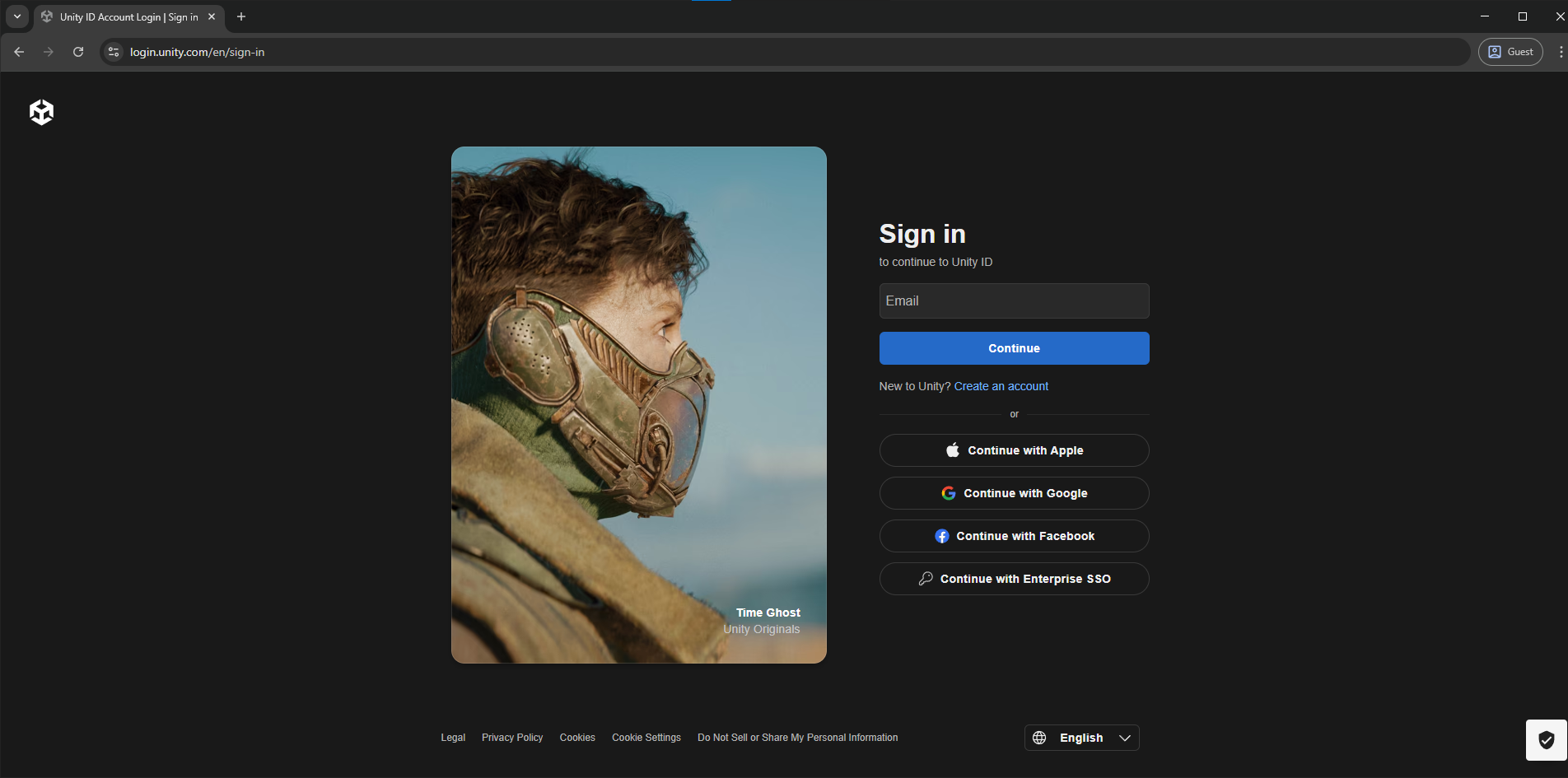
2. Sign In or Create an Account
Log in with your Unity account or create a new account if necessary.
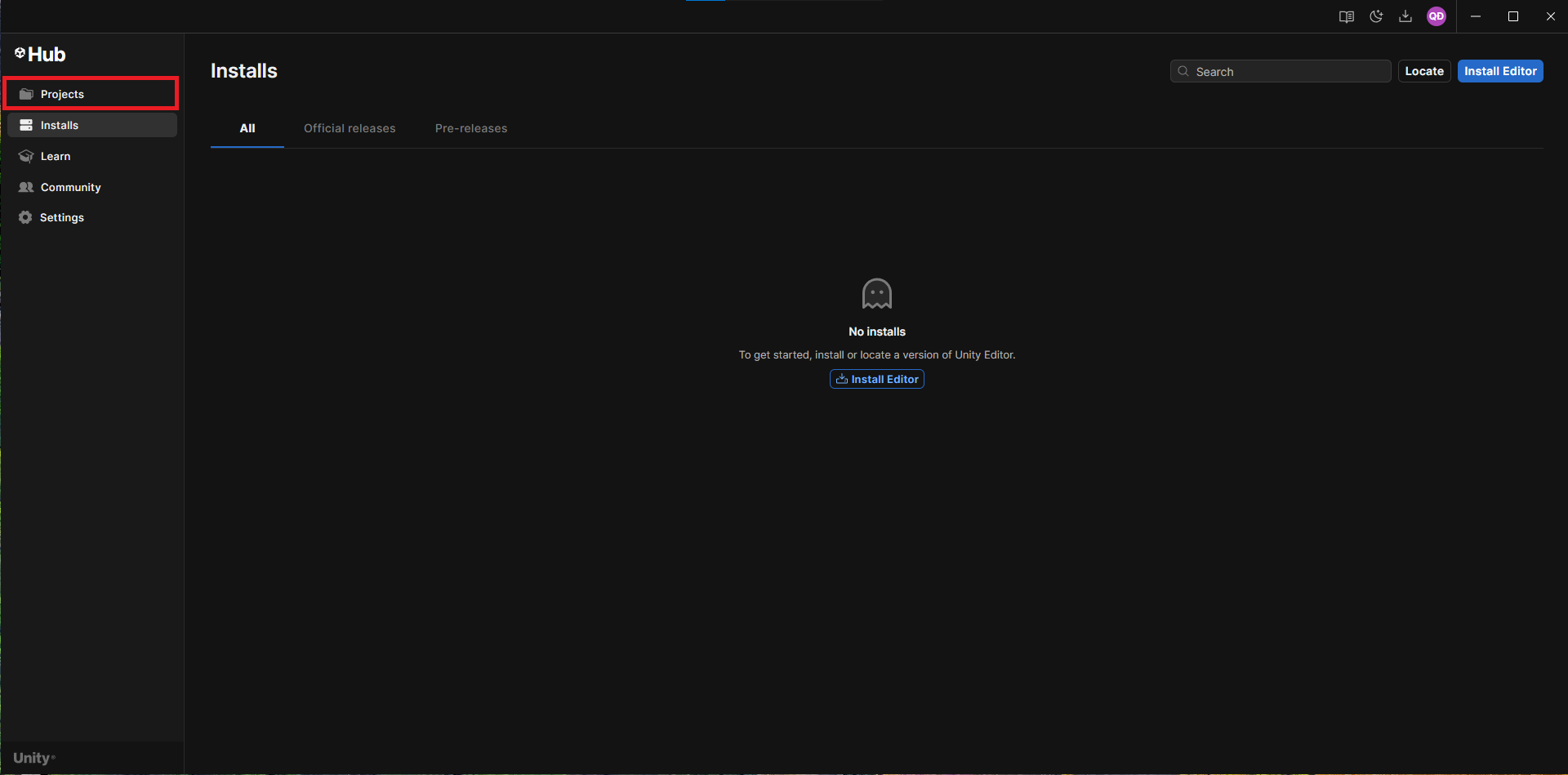
3. Open the Projects Section
In Unity Hub, navigate to the Projects tab.
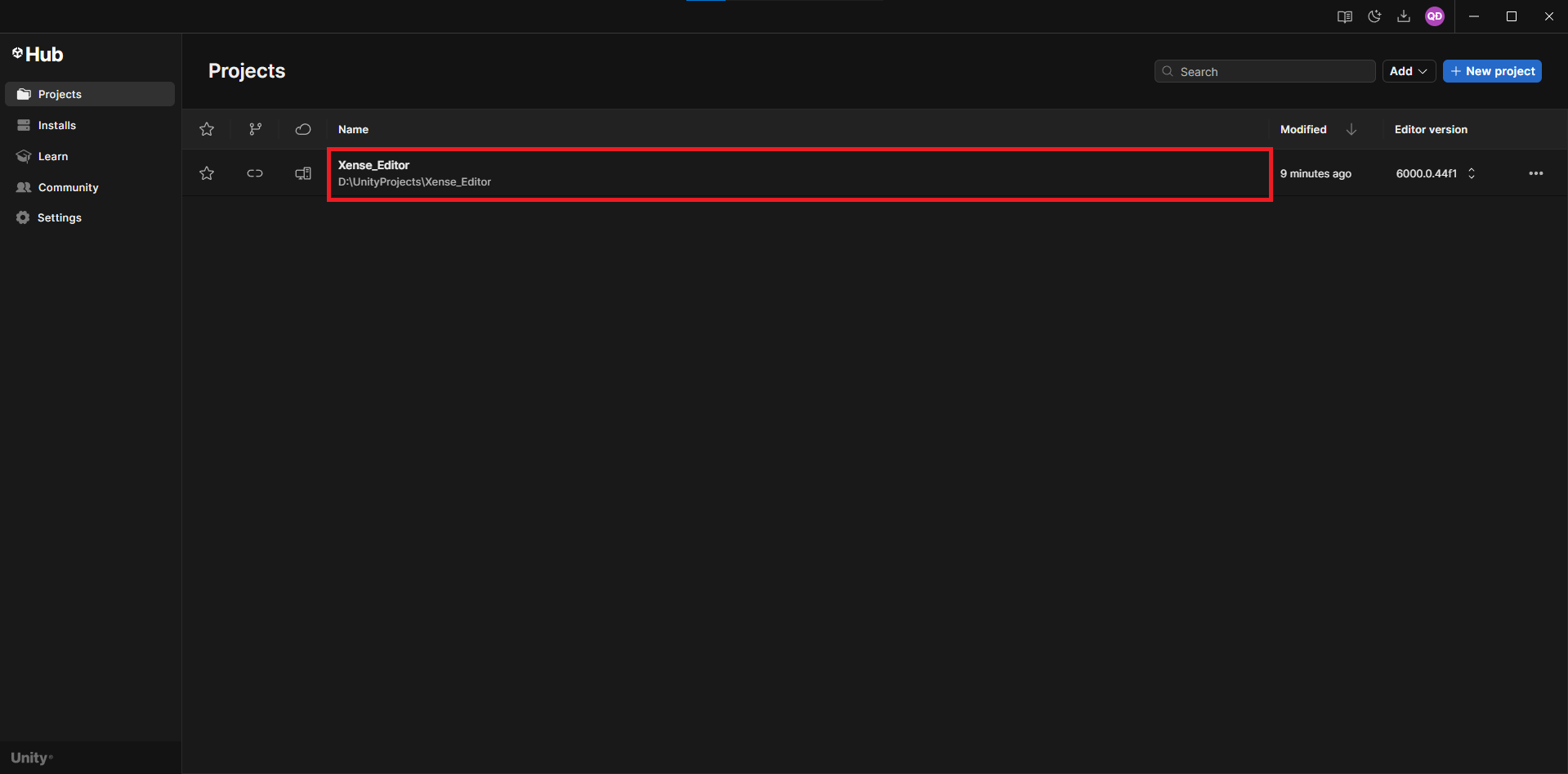
4. Add the XenseAR Project
- Click
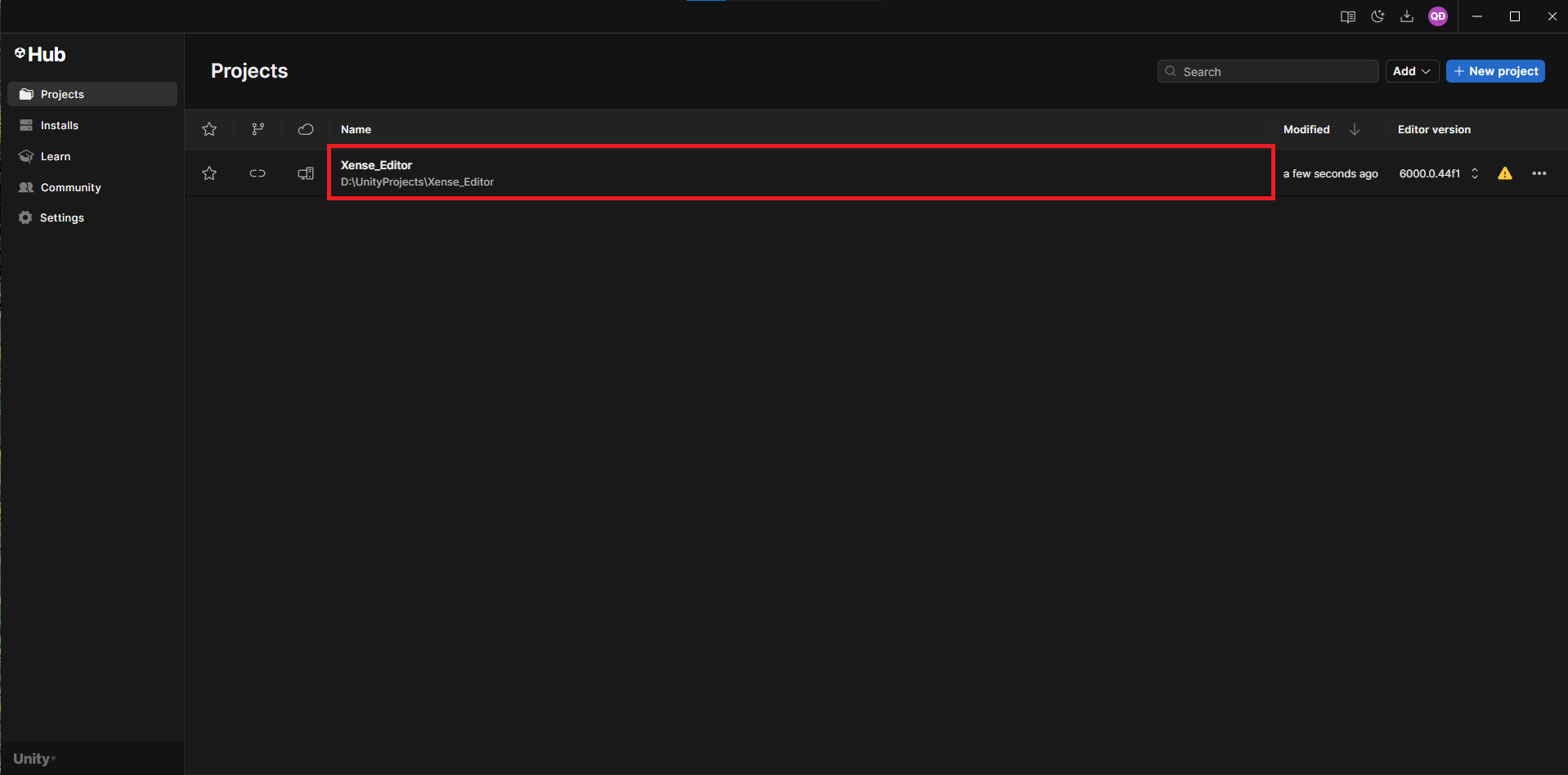
Add→Add project from disk. - Navigate to the extracted directory.
- Select the inner project folder as shown below:
xensearunityeditor/
├── xensearunityeditor/  # Select this folder.
│  ├── README.md
│  ├── Packages/
│  ├── ProjectSettings/
│  └── Assets/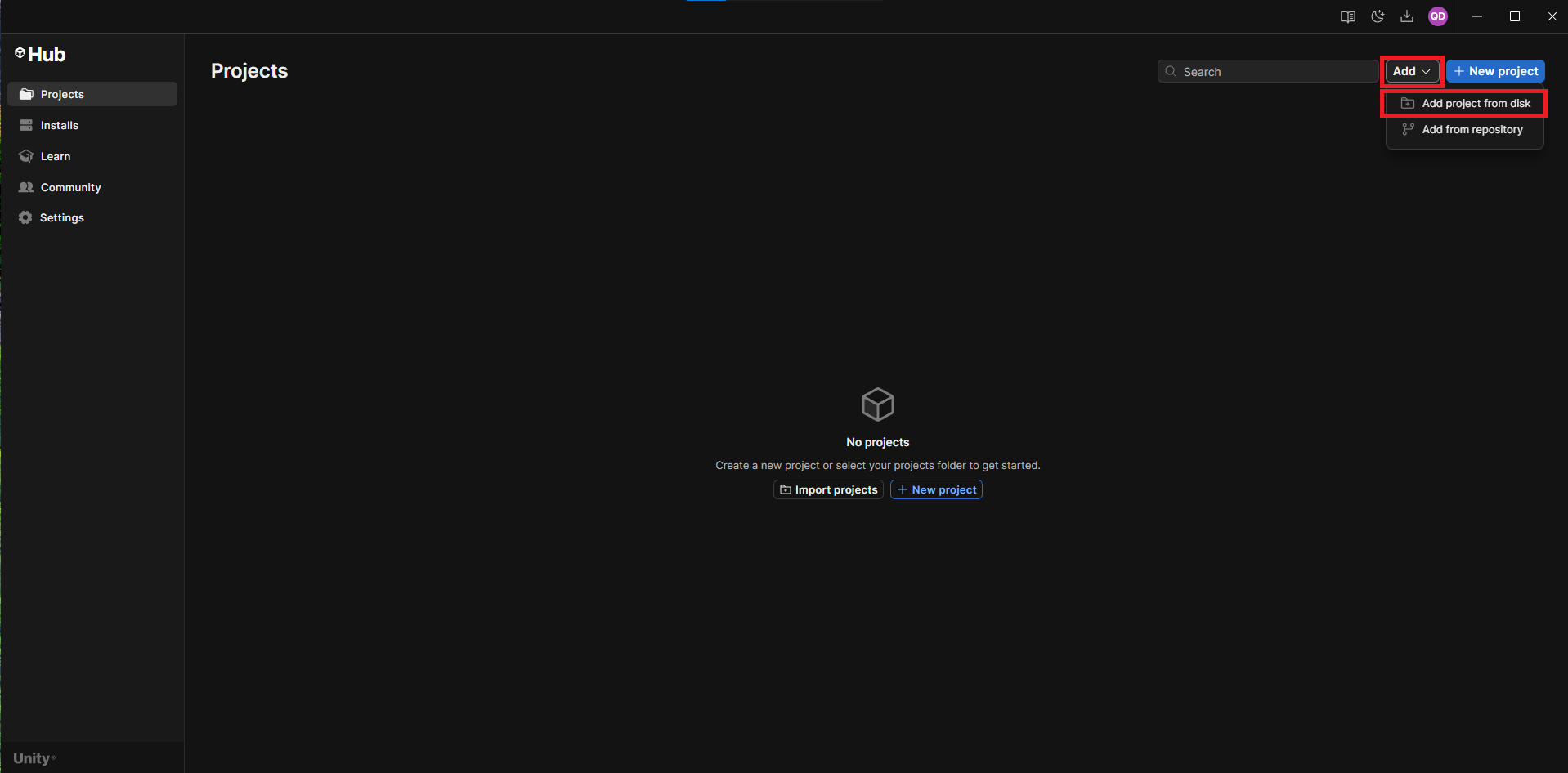
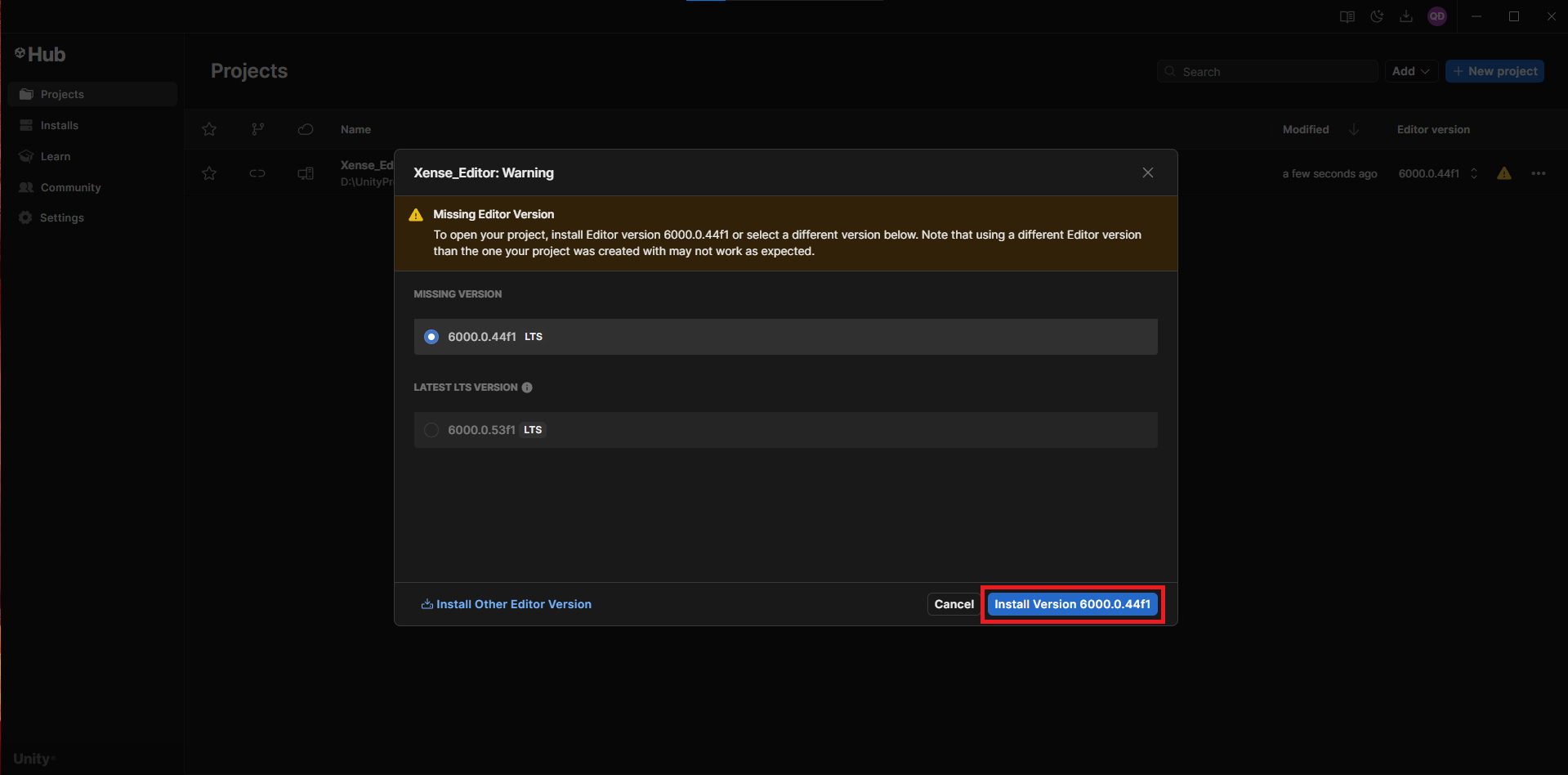
5. If the correct Unity Editor version is not installed, a version selection dialog will appear.
6. In the dialog, select the appropriate Unity Editor version.
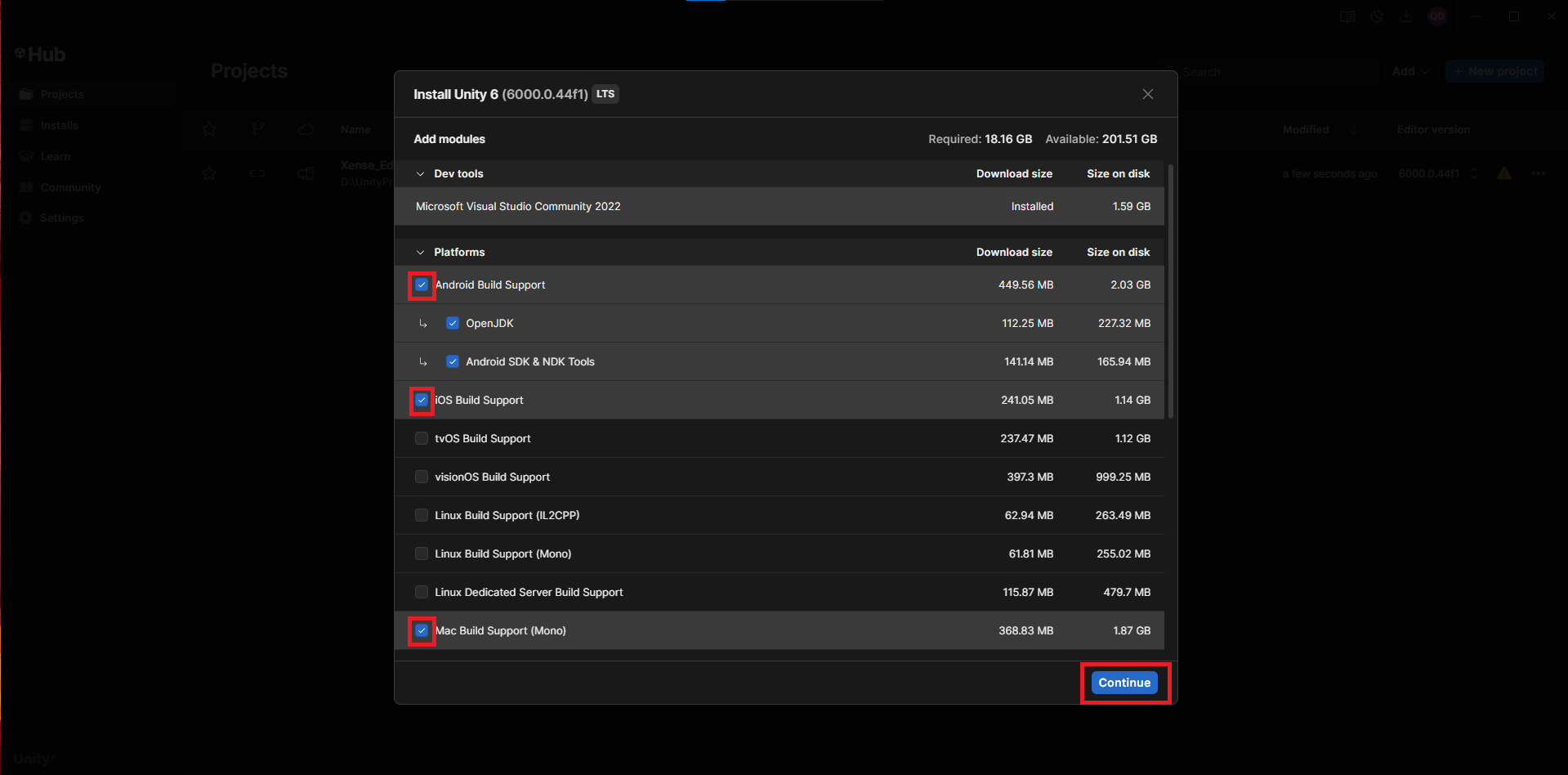
7. Select the required modules:
Windows Build Support (IL2CPP)— required for the Windows platform.Mac Build Support (Mono)— required for Apple platforms (macOS/iOS).Android Build SupportandiOS Build Support— required for building AssetBundles.
8. After installation completes, you can open the project normally.
FAQ
(Reserved for future updates.)
Older Versions
[v2.0.0] - 2025-12-24
- Assets:
XenseAR_Editor.zip
[v1.0.1] - 2025-08-05
-
Assets:
XenseAR_Editor.zip -
Changelog:
- Updated authentication flow.
- Minor bug fixes.
[v1.0.0] - 2025-07-22
-
Assets:
(Not available) -
Changelog:
- Fixed
Invalid dependencieserror.
- Fixed
Last updated on