VPS SDK – Create Content and Load Mesh
1. Account Login
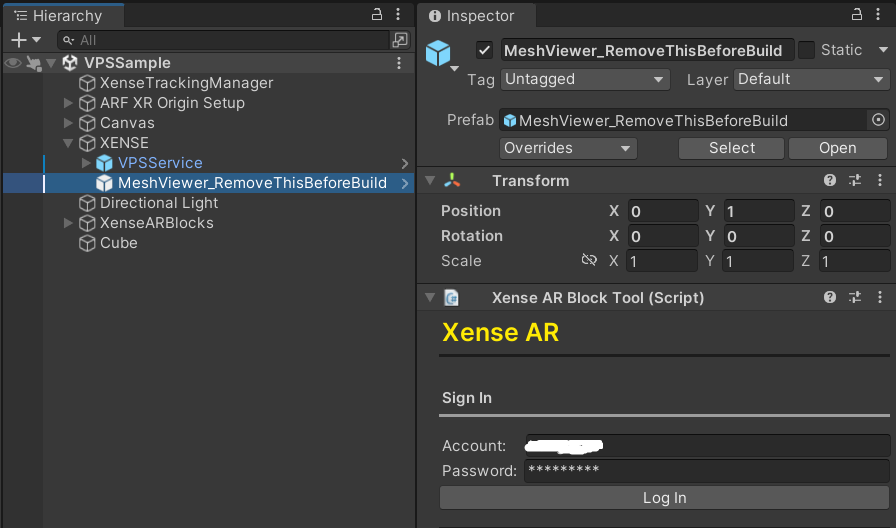
Select the MeshViewer object in the scene (Hierarchy tab).
In the Inspector tab, enter the id and password, then click the Login button to complete authentication.
2. Create Block ID
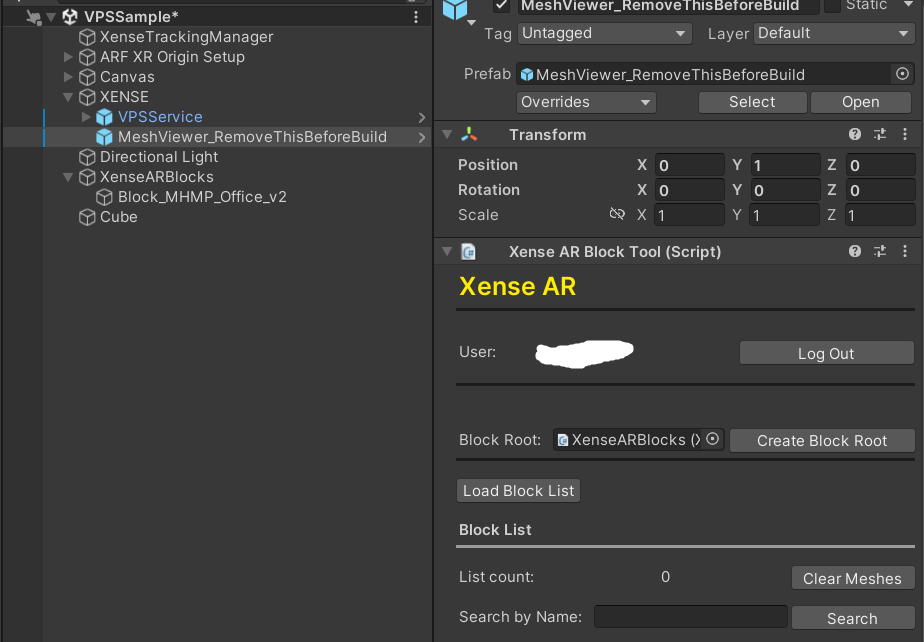
- Click the
Create Block Rootbutton to create a Block Root object in the scene. - Click
Load Block Listto load all Block ID data.
3. Import Mesh
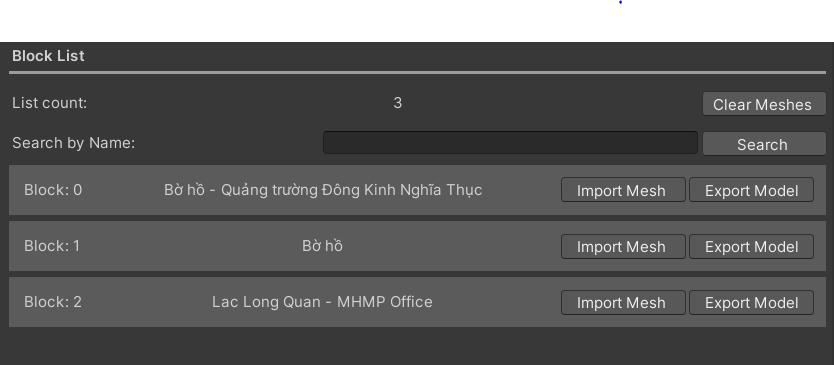
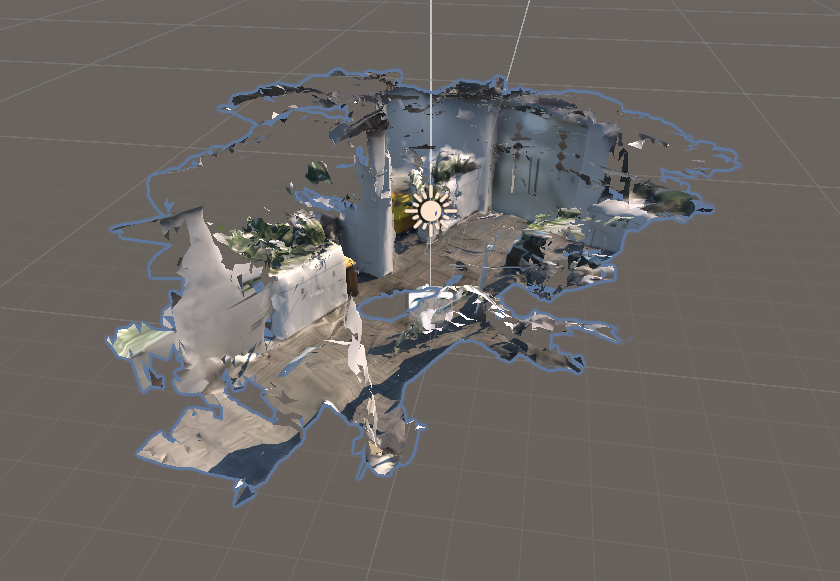
Click Import Mesh to download and import the mesh associated with the selected Block ID into the scene.
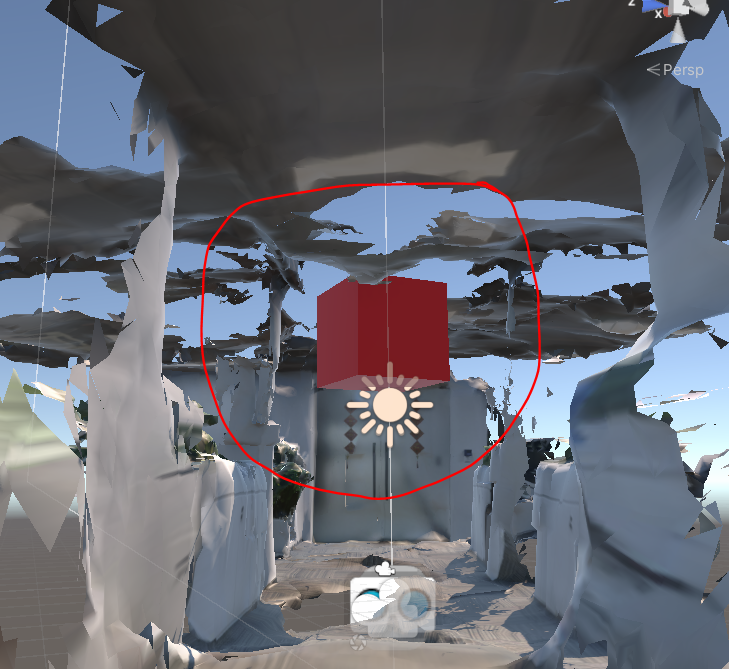
4. Place Content
Place your content within the scene using the imported mesh as spatial reference.
5. Build Application
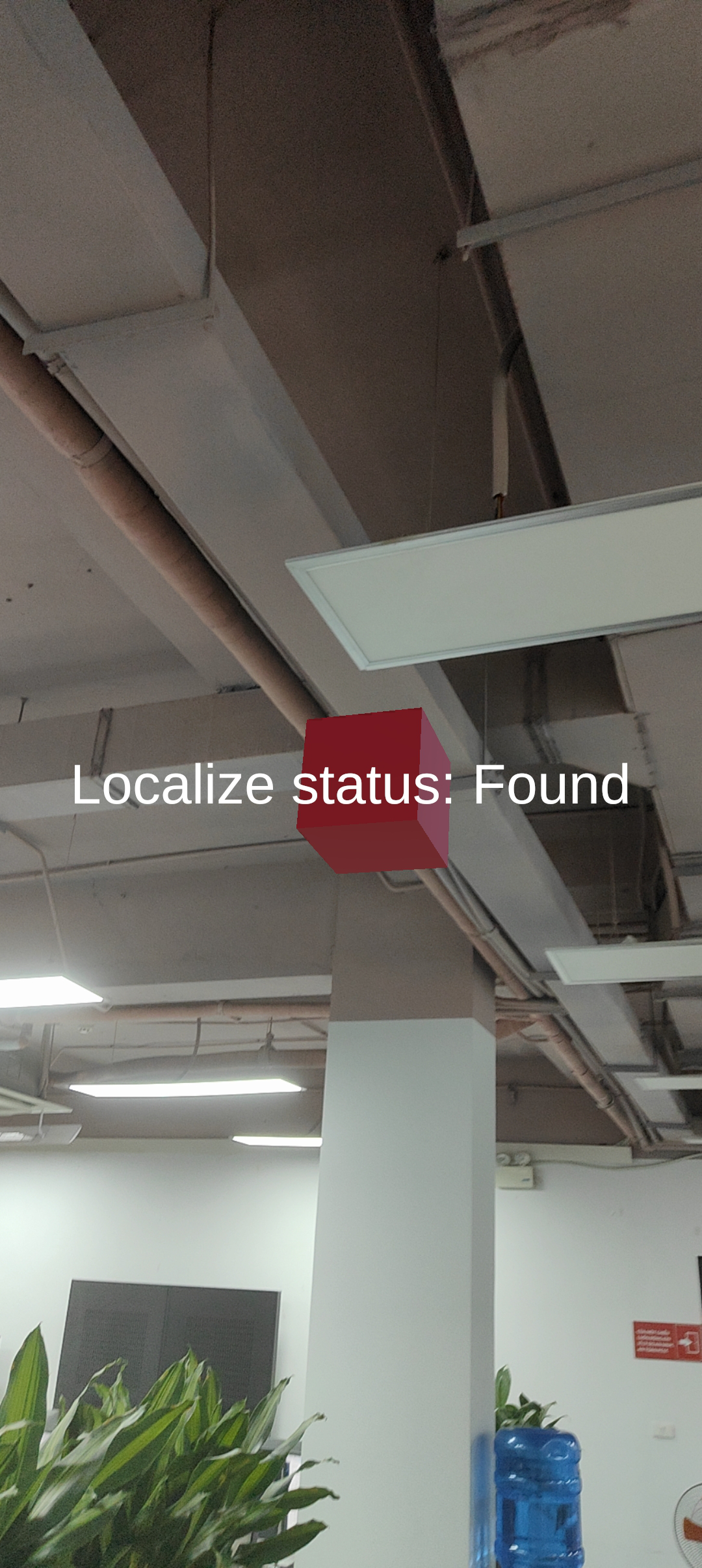
Build the application.
The created object will be rendered at the exact position defined in the Unity Editor scene.
Last updated on