View Project Information
To view and search information about existing Projects:
- Go to Project Management.
- The list of created Projects is displayed below.
- Browse and search for Project information.
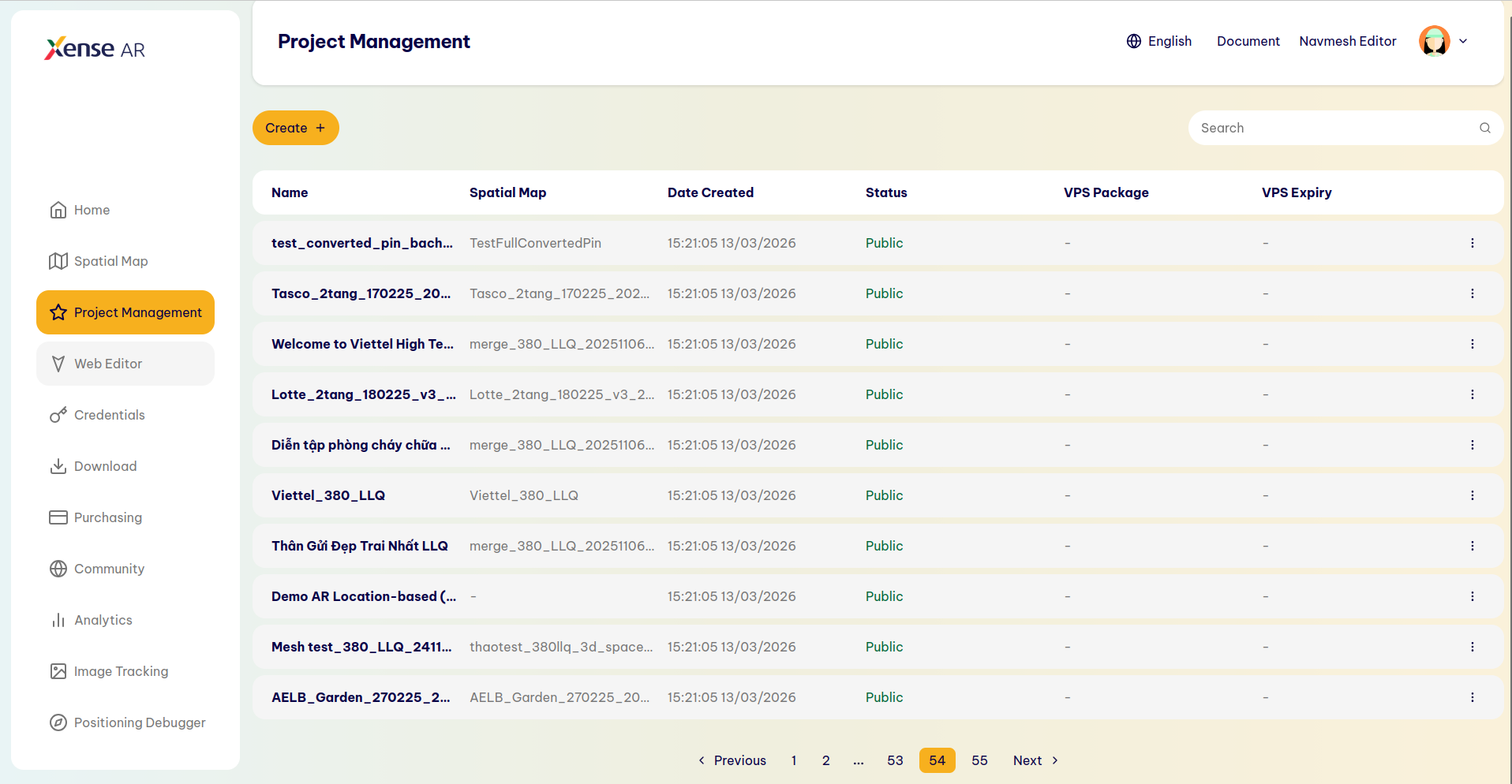
View Project Information
The following Project information is displayed:
- Name: Project name.
- Spatial Map: The name of the Spatial Map currently associated with the Project.
- Date Created: The date the Project was created.
- Status: The current status of the Project (Draft, In Review, etc.).
- VPS Package: Authentication information for the Project.
- VPS Expiry: The expiration date of the VPS Package.
To quickly find a Project: Search directly in the list of created Projects or use the Search bar to quickly search by Project name.
Last updated on