Login and Load a Spatial Map
-
After downloading the provided package, import it into Unity.
-
Add the Setting Object from
ARWorld -> Settings -> Studio Setting.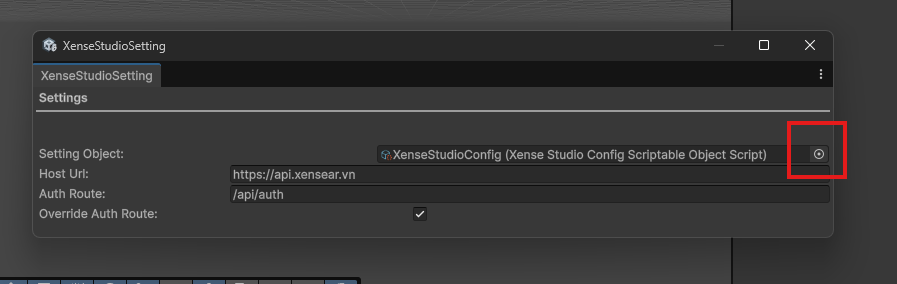
-
Log in using the provided account.
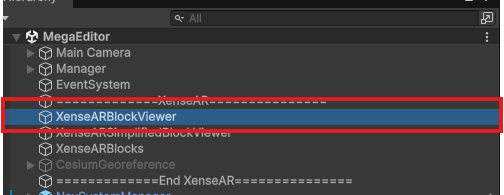
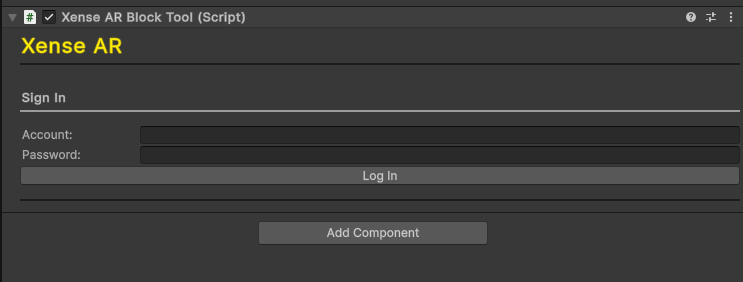
-
Add the Block Root. If it does not exist, click
CreateBlockRoot.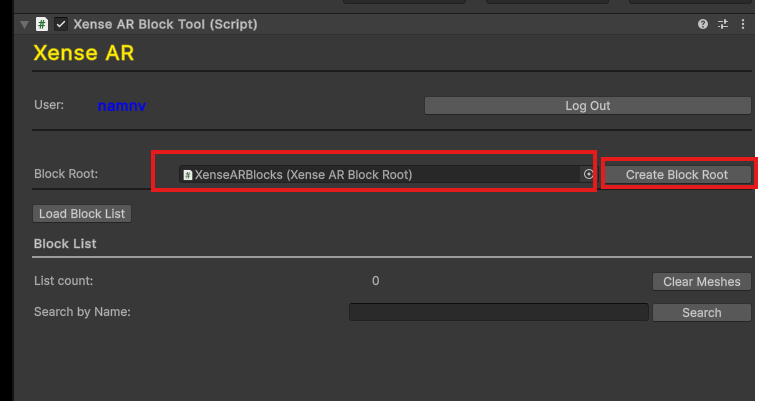
-
Click
Load Block List.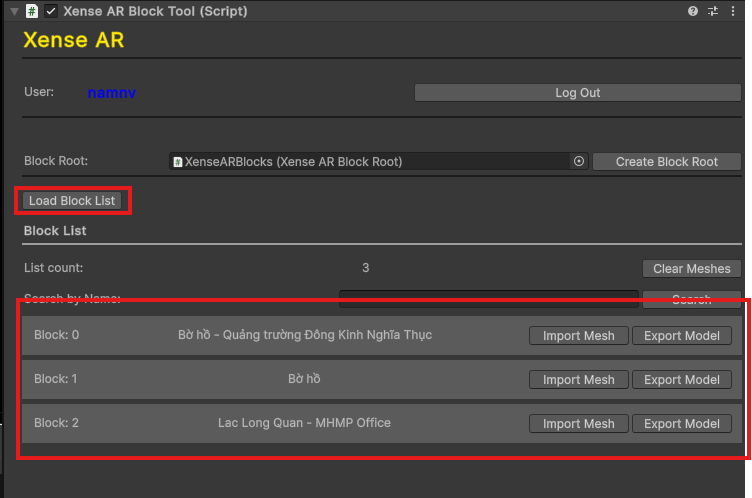
-
Click
Import Meshfor the block whose content you want to edit.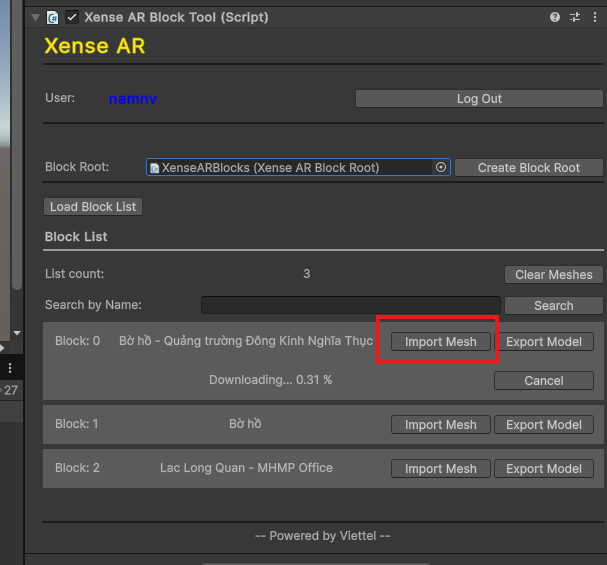
-
Wait for the Mesh to finish loading.
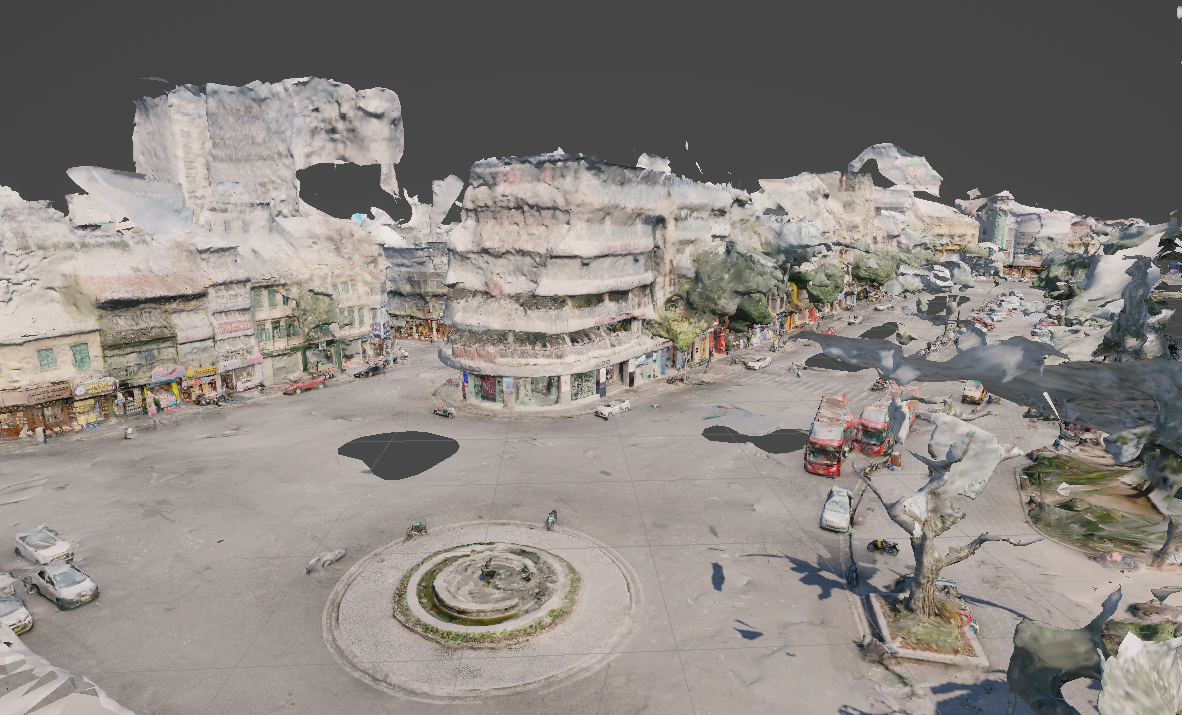
-
The project is now ready for content editing.
Last updated on