2.5D Map is map data used within a Spatial Map to provide a more visual representation of the experience space.
Procedure
Step 1
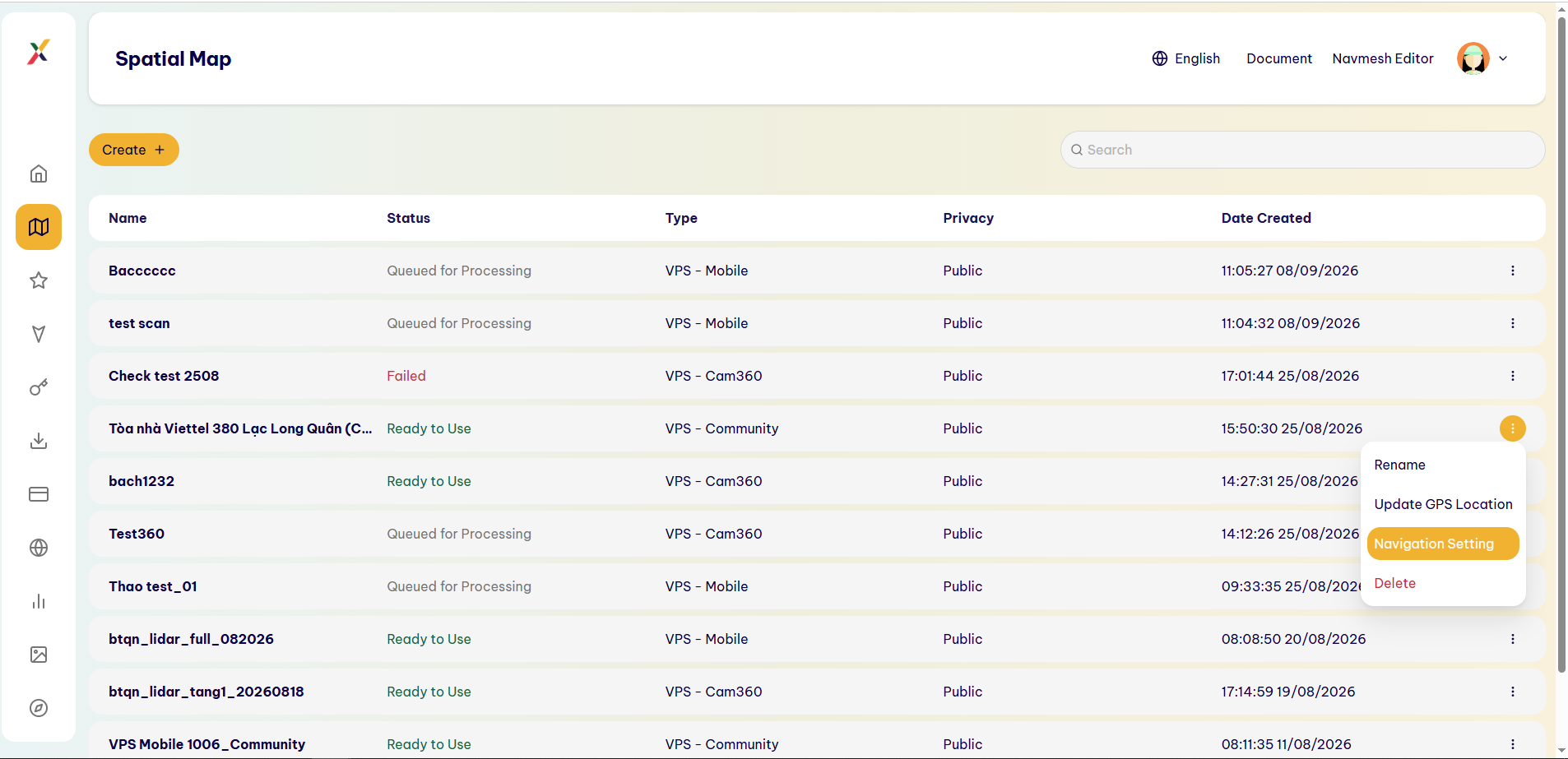
In the Spatial Map list, select ⋮ → Navigation Setting.
Step 2
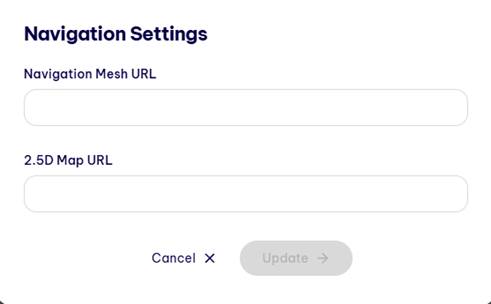
In the Navigation Settings window, locate the 2.5D Map URL field.
Step 3
Enter the URL of the 2.5D Map data.
Step 4
Select Update to save the configuration.
Result
The 2.5D Map data is linked to the Spatial Map.
Last updated on