Advanced Settings
Select Advanced Settings to open the advanced configuration section.
1. Open Advanced Settings
-
Click [:] → select [Advanced Settings].
-
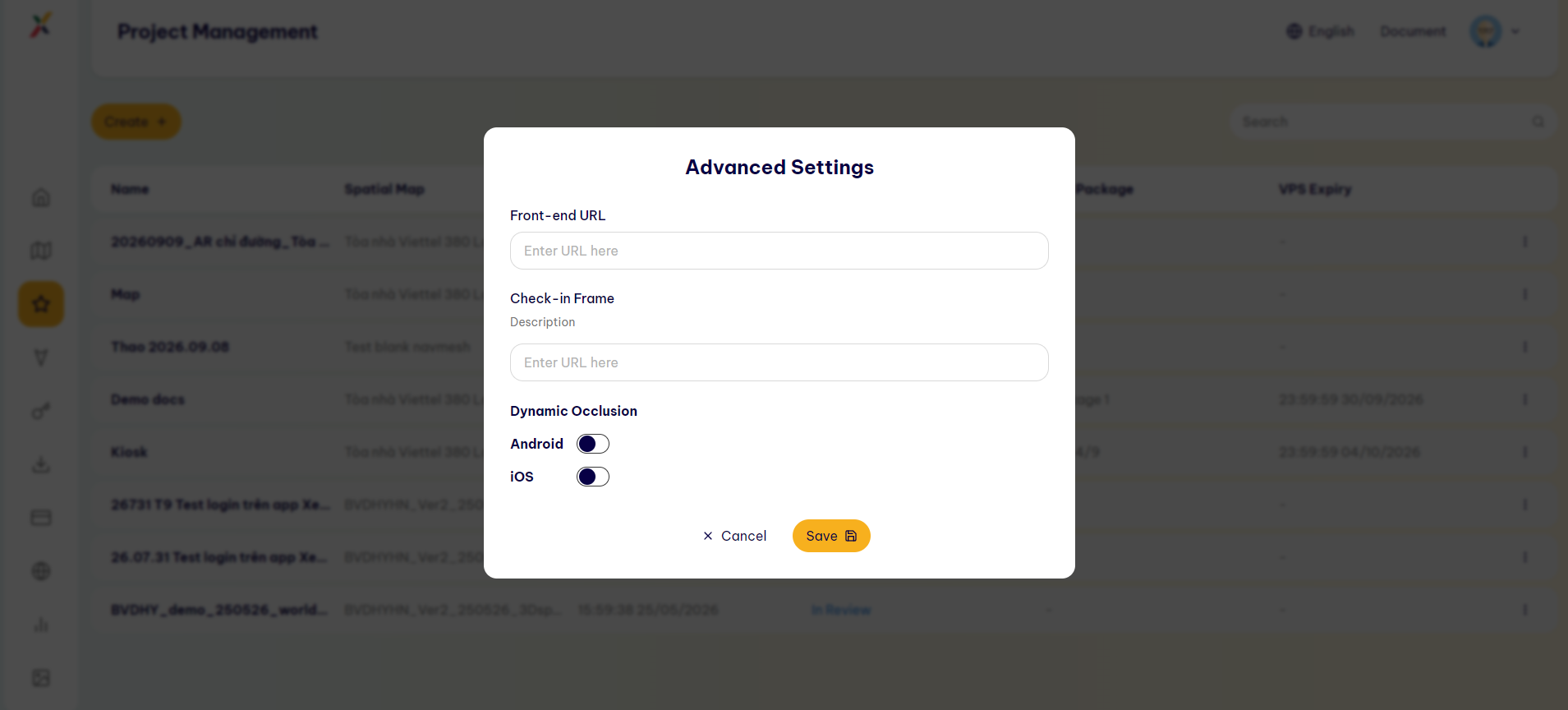
In the Advanced Settings dialog, enter the required advanced configuration information.
2. Front-end URL
Front-end URL: The Creator enters the URL that directs users to the interface/experience they will access to use the Project.
3. Check-in Frame
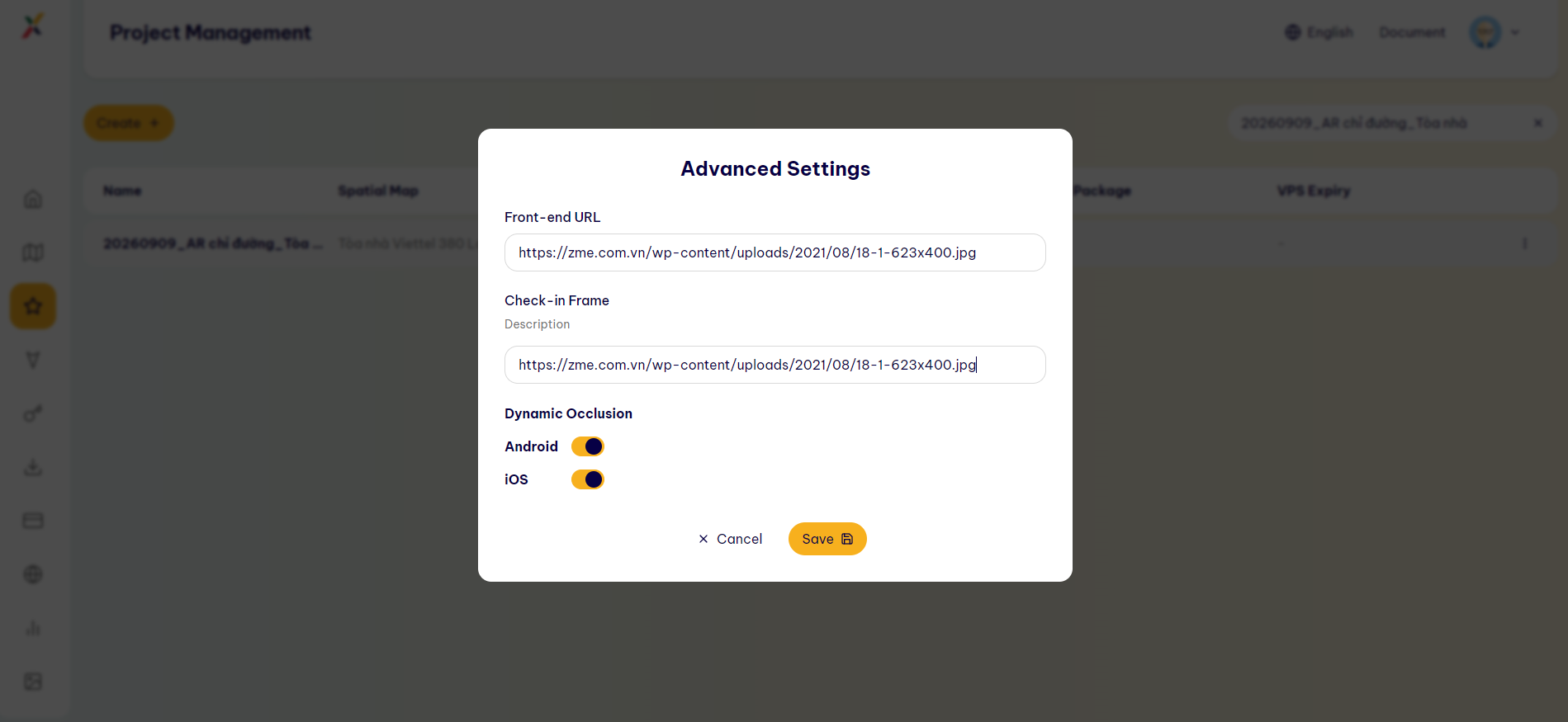
Check-in Frame: The Creator enters the information/URL for the Check-in Frame. This image/frame is used as the check-in point for users to start or identify the AR experience.
4. Dynamic Occlusion
Dynamic Occlusion: A feature that allows AR objects to be naturally occluded by real-world objects in the environment.
The Creator can enable or disable this feature for each platform:
- Android
- iOS
Last updated on