Delete
To delete a Project:
-
Click [:] → select [Delete].
-
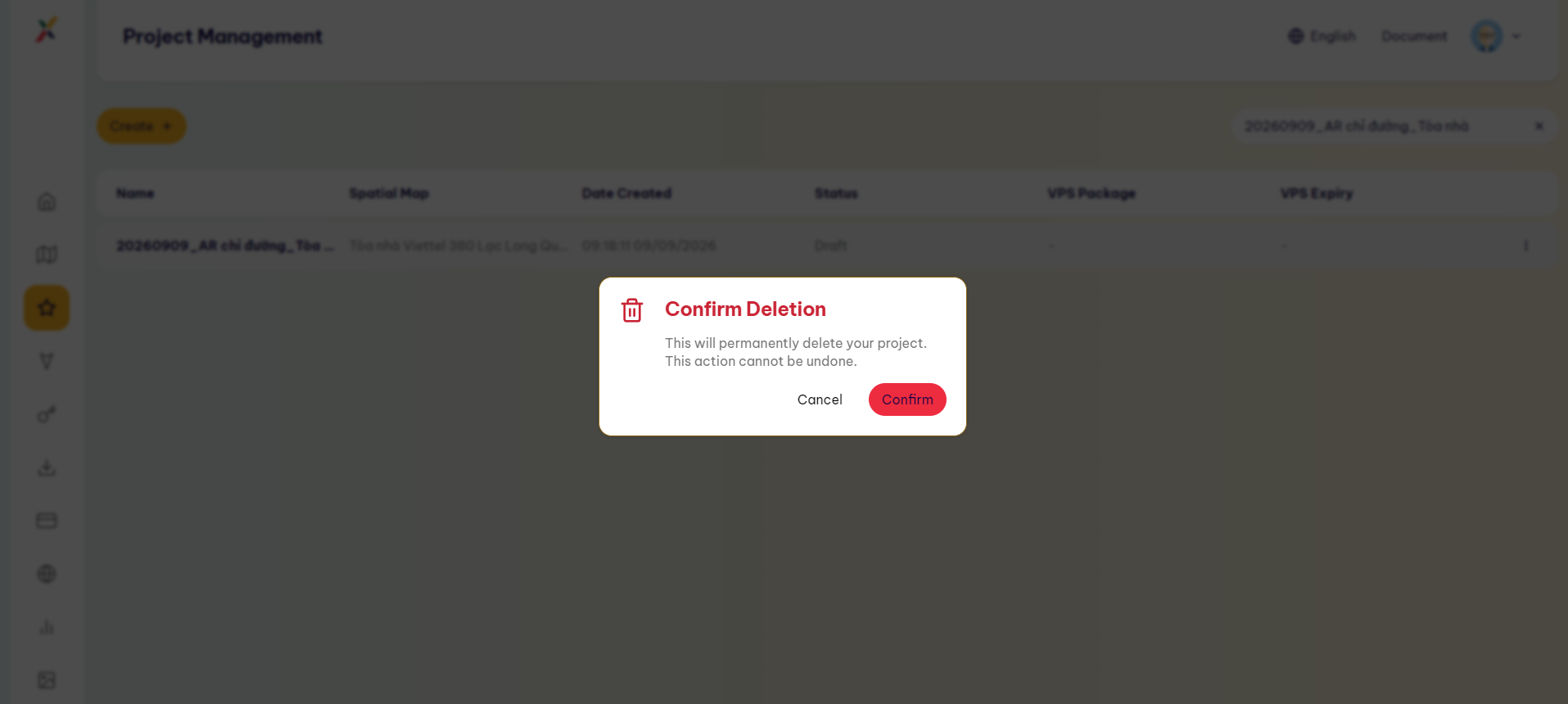
In the Confirm Deletion dialog, select [Confirm] to confirm.
-
The Project will be permanently deleted and cannot be undone.
Last updated on
To delete a Project:
Click [:] → select [Delete].
In the Confirm Deletion dialog, select [Confirm] to confirm.
The Project will be permanently deleted and cannot be undone.