Privacy
To submit a Project for public visibility review:
-
Click [:] → select [Request Public Visibility].
-
In the Make Project Public dialog, select [Confirm] to submit the request or [Cancel] to cancel.
-
After submission, the Project changes to In Review status and awaits approval.


While the Project is in In Review status, the Creator can withdraw the request:
-
Click [:] → select [Cancel Public Request].
-
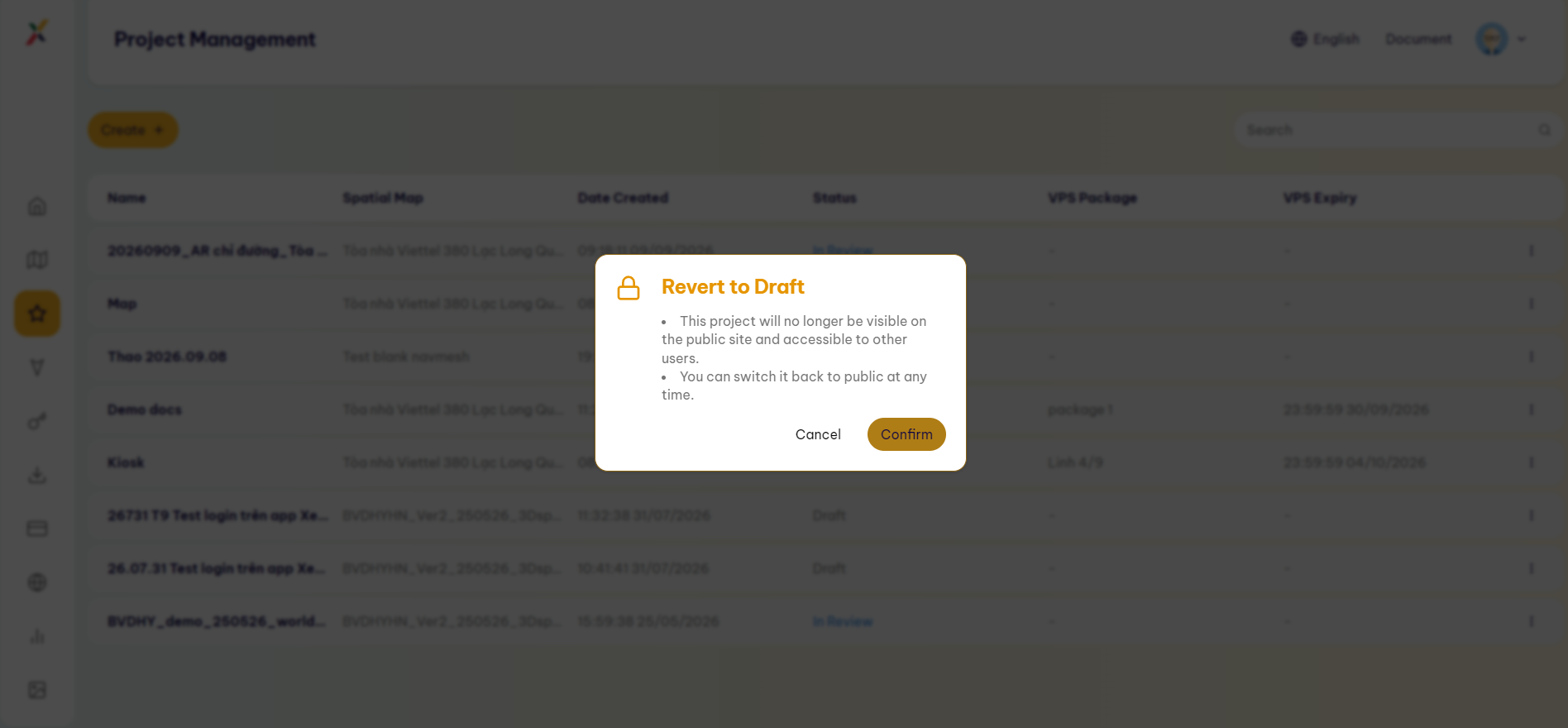
In the Revert to Draft dialog, select [Confirm].
-
The Project returns to Draft status and is no longer displayed on the public site.
Last updated on